Laptop & desktop diagnostics
Testing for power, performance, hardware, operating system and software problems.
Fast, clear help for slow computers, broken laptops, hardware failures, software errors, virus problems and everyday technology frustrations—from a real local team.

We begin by understanding the problem, the impact it is having and the outcome you need. Then we explain the practical options before major work begins.
Click IT Computers helps home users and local businesses with everyday computer problems, urgent failures and planned upgrades. Our goal is not simply to repair a device—it is to get you comfortably and confidently back to work.
From simple setup assistance to complicated hardware and data issues, we help identify the cause and recommend the most practical next step.
Testing for power, performance, hardware, operating system and software problems.
Help with failed drives, memory, screens, keyboards, batteries, power supplies and other components.
Startup errors, updates, crashes, corrupted software, account problems and application setup.
Improve speed, storage and reliability with cleanup, memory and solid-state-drive upgrade options.
Remove malicious software, unwanted pop-ups and risky applications, then strengthen protection.
Help recovering important files and moving information safely to a replacement or upgraded device.
No confusing handoffs or unexplained repairs. You receive a clear path from first contact to a working computer.
Call, visit or submit a support request and describe the symptoms.
Our team checks the device and identifies the likely cause.
We explain recommendations before significant work is performed.
We complete the agreed service and provide helpful next steps.
Power, charging, startup, screen and internal component problems.
Performance bottlenecks, low storage, failing drives and software conflicts.
Operating-system failures, update problems and unstable applications.
Wi-Fi, network, printer, email and peripheral connectivity issues.
Damaged screens, hinges, keyboards, batteries, ports and charging systems.
Failed storage, deleted data and transfer needs for new computers.
Technology problems are easier when you can speak with a real person, receive a clear explanation and build a relationship with a nearby team.
Practical knowledge from years of repair, support and managed IT work.
Understand the issue and your options without unnecessary jargon.
Security, backup, networking, managed services and business support are available when the issue is bigger than one device.


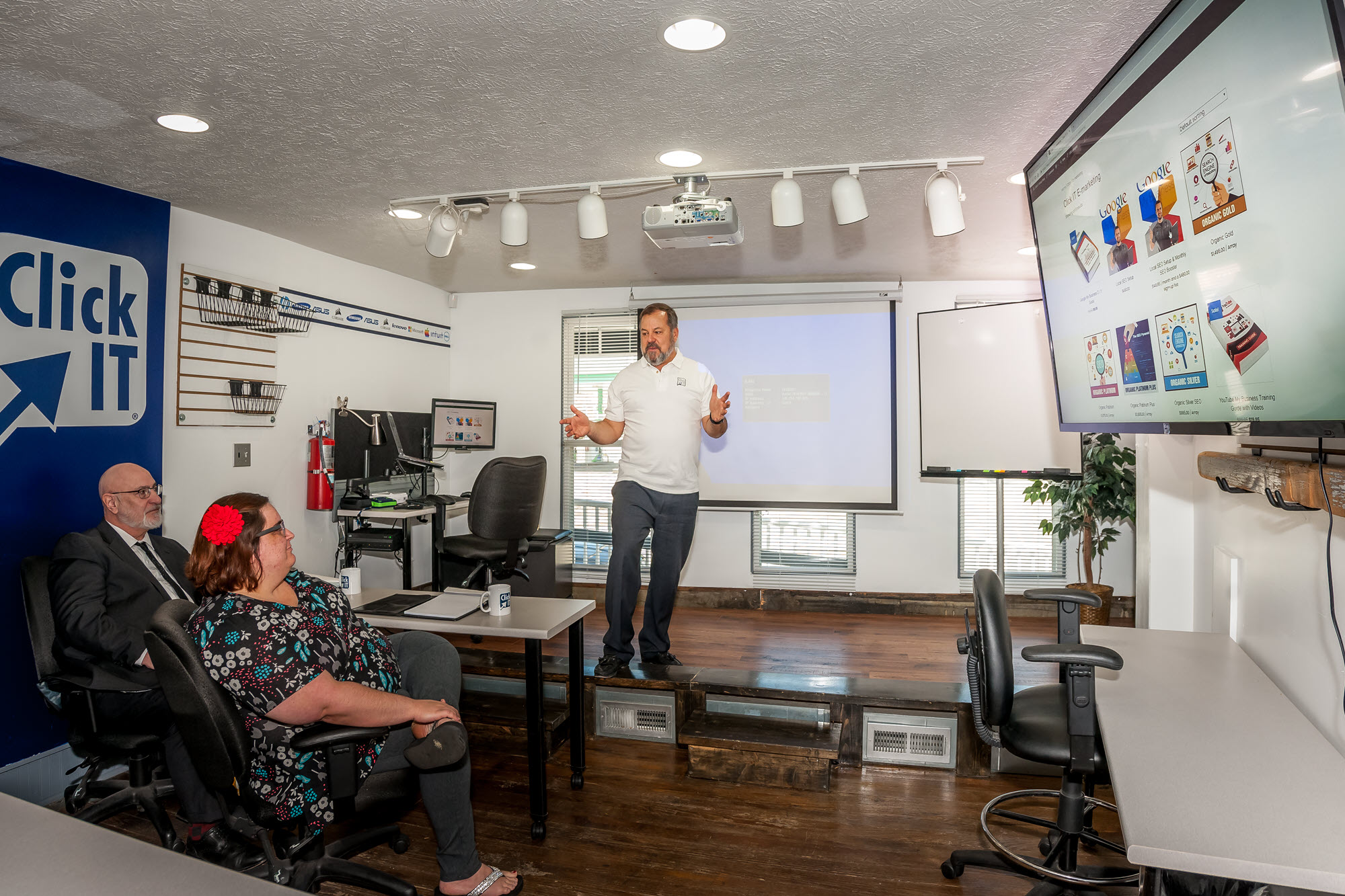
Contacting us first is recommended so we can understand the issue and guide you to the best service option. You can call (800) 368-7416 or use the online contact form.
Yes. We troubleshoot laptops and desktops for home and business users, including hardware, operating-system, software and performance issues.
Yes. After evaluating the problem, we explain the recommended next step and available options before significant work is performed.
Yes. We can assist with data transfer, setup and guidance when replacing or upgrading a computer.
Yes. Click IT Computers provides day-to-day business IT support, managed services, networking, security, backup and related technology services.
Tell our local team what is happening and we will help you choose the next step.